
Customer specification review


Specification reviews run out of time
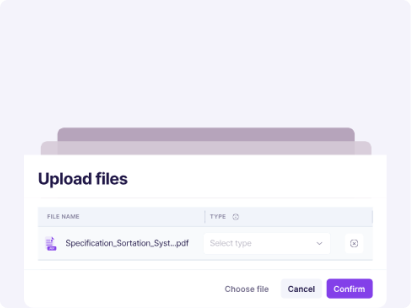
Five steps from upload to amendment
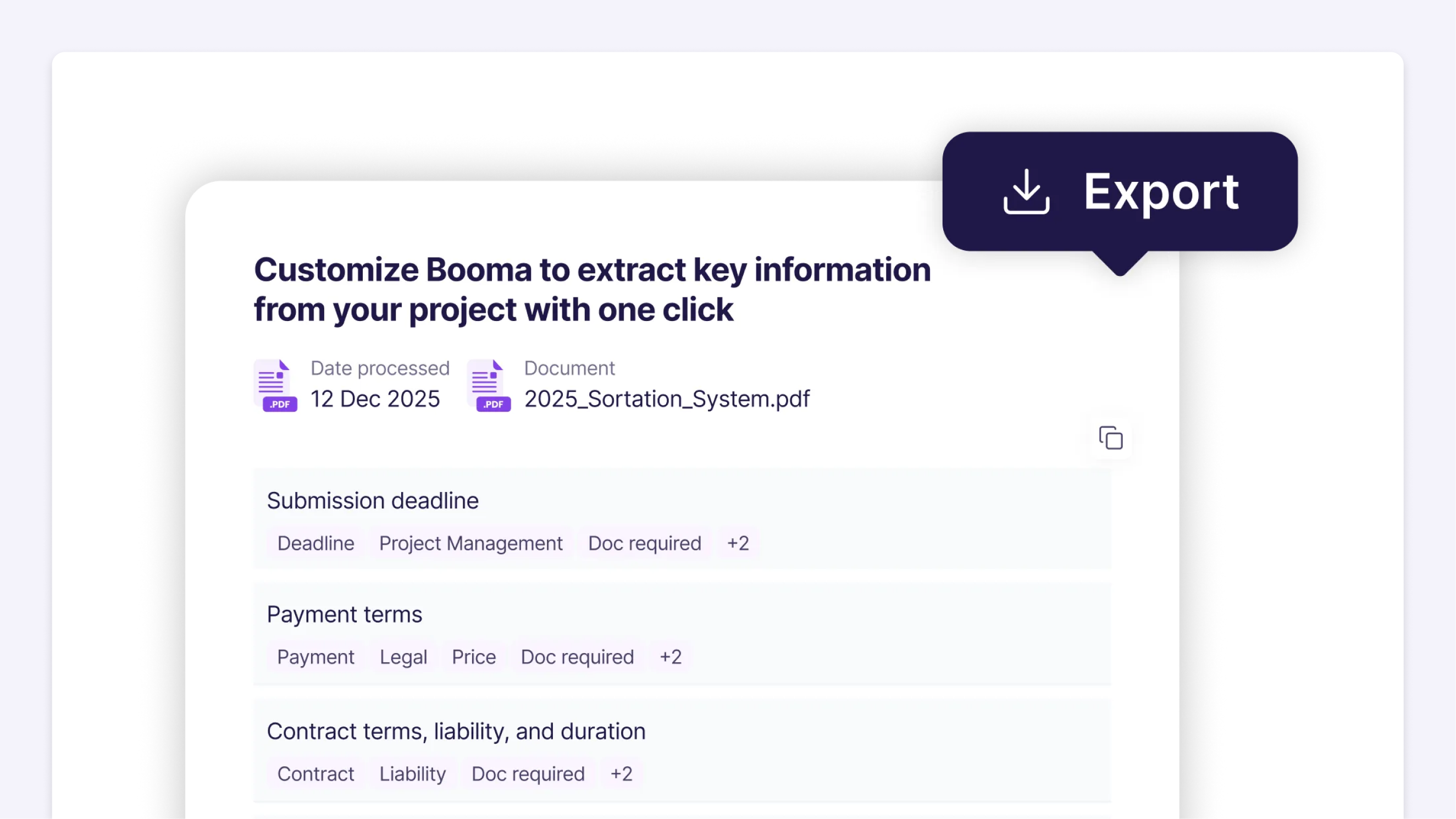
A real review, step by step
One anonymised sample specification, run through Booma from upload to department view.
compliance misses
faster turnaround
Enterprise-grade security. built in Germany.
Your specifications contain your customers’ most sensitive intellectual property. We treat data protection as a core product feature, not an afterthought.


ISO 27001 certified
Enterprise security standards
EU data residency
Hosted in Germany
GDPR / DSGVO compliant
Full data protection compliance
No AI training
Your data is never used for model training
Full audit trail
Role-based access control
Private cloud available
Deploy Booma in your private environment
Questions about specification review
What is a Lastenheft and how do I review it?
A Lastenheft is the customer’s requirements document. Reviewing it means extracting the requirements, checking them for deviations from your standards, and deciding how to respond before you quote.
How do I check a specification against my own standards?
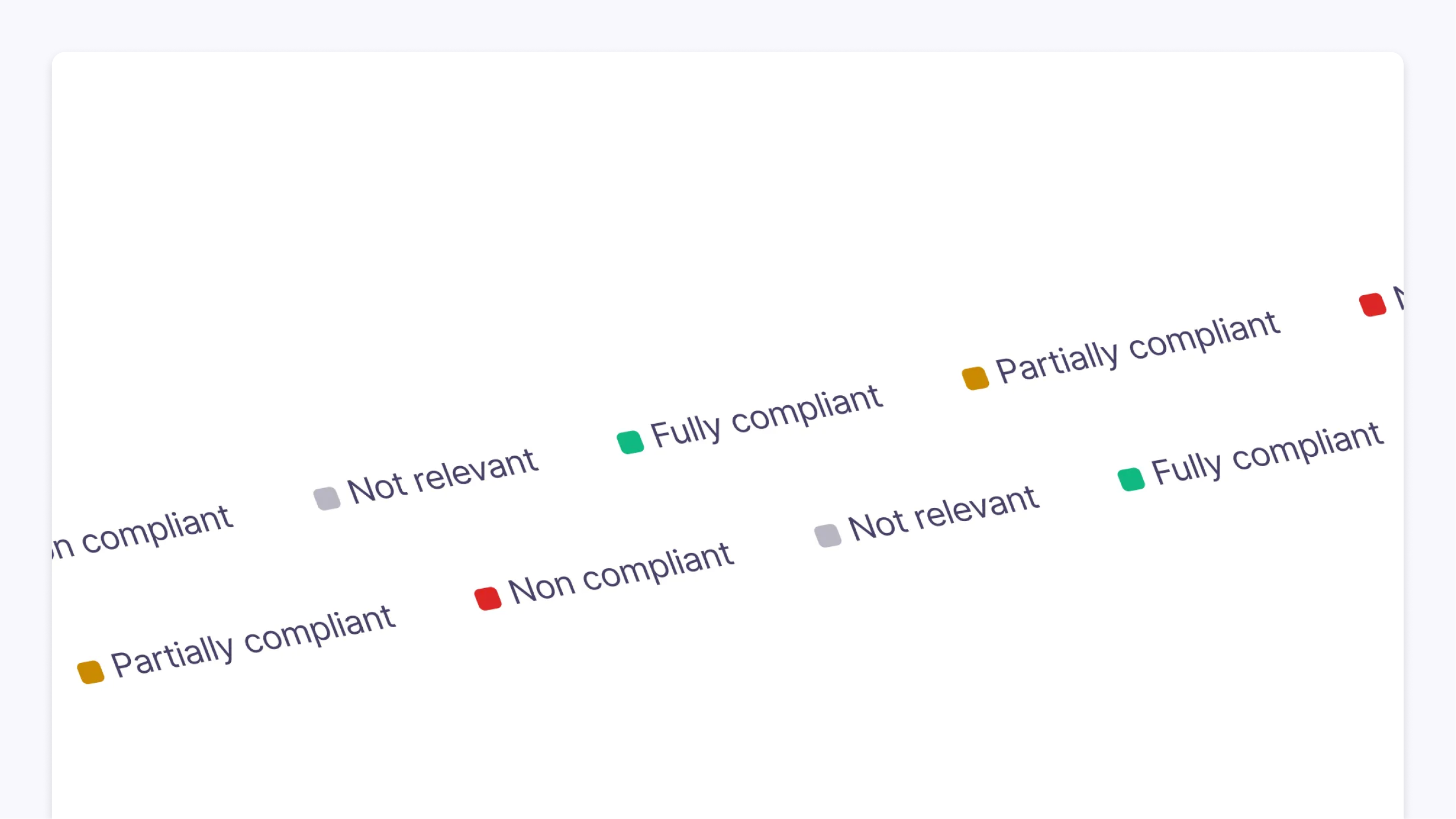
Booma flags deviations from your engineering standards, so you see which requirements your standard design does not meet.
Can several departments review at the same time?
Yes. Departments are assigned by requirement or by chapter, and each one reviews its part in parallel.
What happens when the customer sends an updated version?
Version comparison shows every change between the old and the new specification, so you only review what moved.
What is a URS review?
The same check, for a user requirement specification (URS).
Erleben Sie Booma in Aktion
Buchen Sie eine 30-minütige personalisierte Demo. Bringen Sie Ihre eigenen Spezifikationen mit — wir zeigen Ihnen strukturierte Anforderungen in Echtzeit.
• Kostenloses Onboarding inklusive • Deutschsprachiger Support

More on requirements management
 PILLAR
Requirements management software
How Booma captures, structures and tracks requirements across every project.
 GUIDE
Requirements vs. specifications
Where a requirement ends and a specification begins.
 GUIDE
The requirements management process
The steps from first specification to covered requirement.
 GUIDE
Requirements vs. specifications
Where a requirement ends and a specification begins.
 CASE STUDY
CIMC Pteris Global
12,000+ requirements from 1,500+ page specifications.
 SOLUTION
Requirements Extraction
Find every requirement in a long document, linked to its source.
- SOLUTION
Version Control
Compare specification versions and see every change.